Excite your audience by a remarkable frame for special presentations
Create a transformative experience for large-scale presentations with the press of a button – from the first minute to the end titles. Get your listeners engaged with an array of exciting animations, countdown and music themes, framing your upcoming talk.
Fully integrated in PowerPoint, Google Slides, Microsoft Teams, Webex and Zoom.
Key Features
Centralized Presentation Library
Store all your presentations, demos, and sales materials in one organized, searchable repository. Easy access to the right content at the right time.
Version Control
Maintain control over presentation versions. Ensure everyone uses the most current, approved content. Track revisions and maintain compliance with brand guidelines.
Usage Analytics
Understand which presentations and slides are most effective. Track downloads, views, and engagement to identify top-performing content.
Template Management
Create and manage presentation templates that maintain brand consistency. Empower teams to customize while staying within brand guidelines.
Collaboration Tools
Multiple team members can collaborate on presentations simultaneously. Real-time editing, comments, and feedback streamline the review process.
Access Control
Manage who can view, edit, or share specific presentations. Role-based permissions ensure sensitive content stays secure.
Smart Search
Find the perfect slide or presentation quickly with powerful search capabilities. Filter by topic, product, audience, or custom tags.
Benefits
- Brand Consistency: Ensure all presentations align with brand guidelines
- Time Savings: Eliminate searching for the right presentation or rebuilding slides from scratch
- Improved Effectiveness: Leverage analytics to identify and promote best-performing content
- Better Collaboration: Teams work together seamlessly on presentation development
- Knowledge Retention: Preserve institutional knowledge and best practices
Who It’s For
Showmaster is ideal for:
- Sales teams managing product demos and pitch decks
- Marketing departments maintaining brand presentations
- Organizations with distributed teams requiring centralized content access
- Companies seeking to improve presentation effectiveness and consistency
Technical Specifications
- Platform: Web-based application
- Cloud Infrastructure: Microsoft Azure
- File Formats: PowerPoint, Keynote, PDF, and more
- Collaboration: Real-time co-authoring capabilities
- Integration: Compatible with Microsoft Office and other productivity tools
Screenshots
Configuration Interface
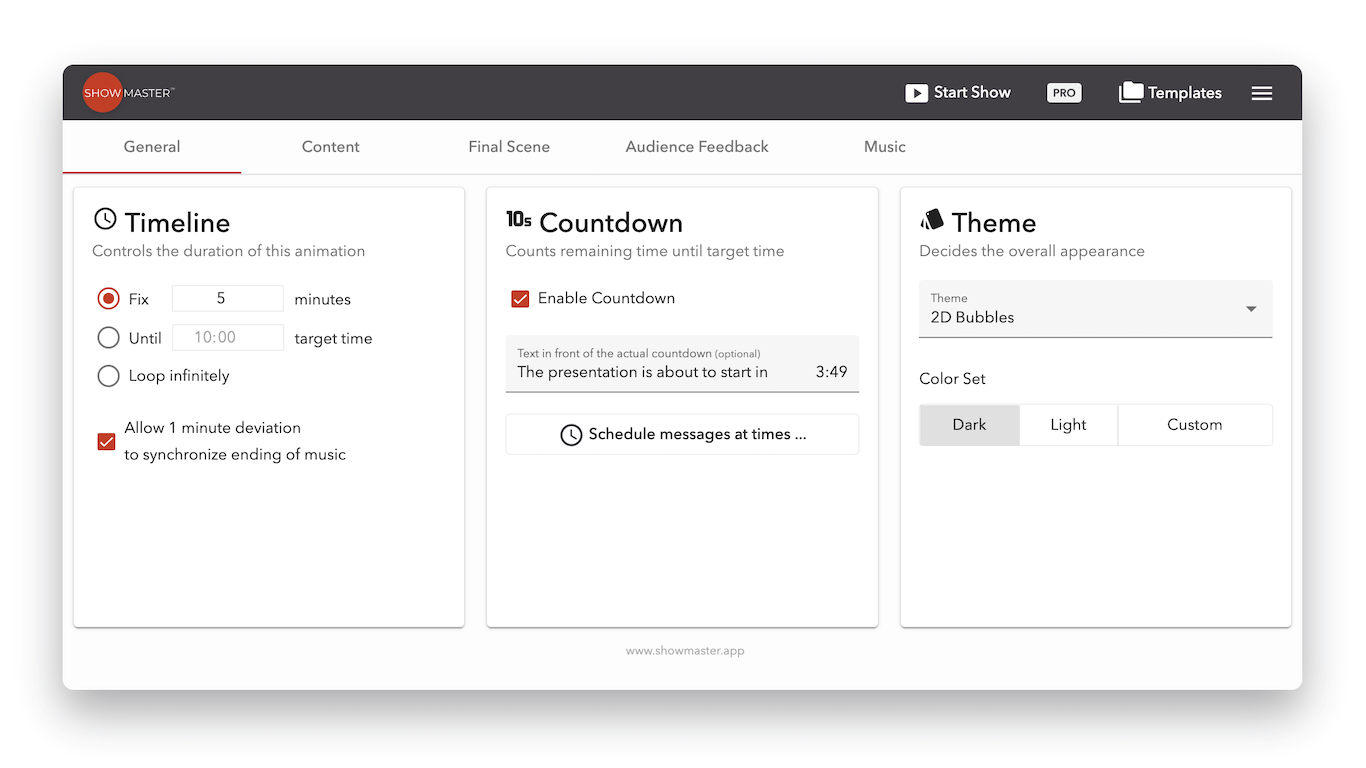
Customize your presentation experience with an intuitive configuration panel. Control timeline duration, enable countdown features, select themes with different color sets, and schedule audience engagement messages at specific times.
Animated Countdown Themes
Engage your audience with stunning countdown animations. Choose from multiple theme options including 2D Bubbles, 3D cityscapes, and space-themed visuals. The countdown displays time remaining until your presentation starts, building anticipation.

Elegant Countdown Display
Create a professional atmosphere with elegant countdown displays. Perfect for formal presentations and large-scale events, with customizable text and smooth animations that captivate your audience.

Audience Feedback & Interaction
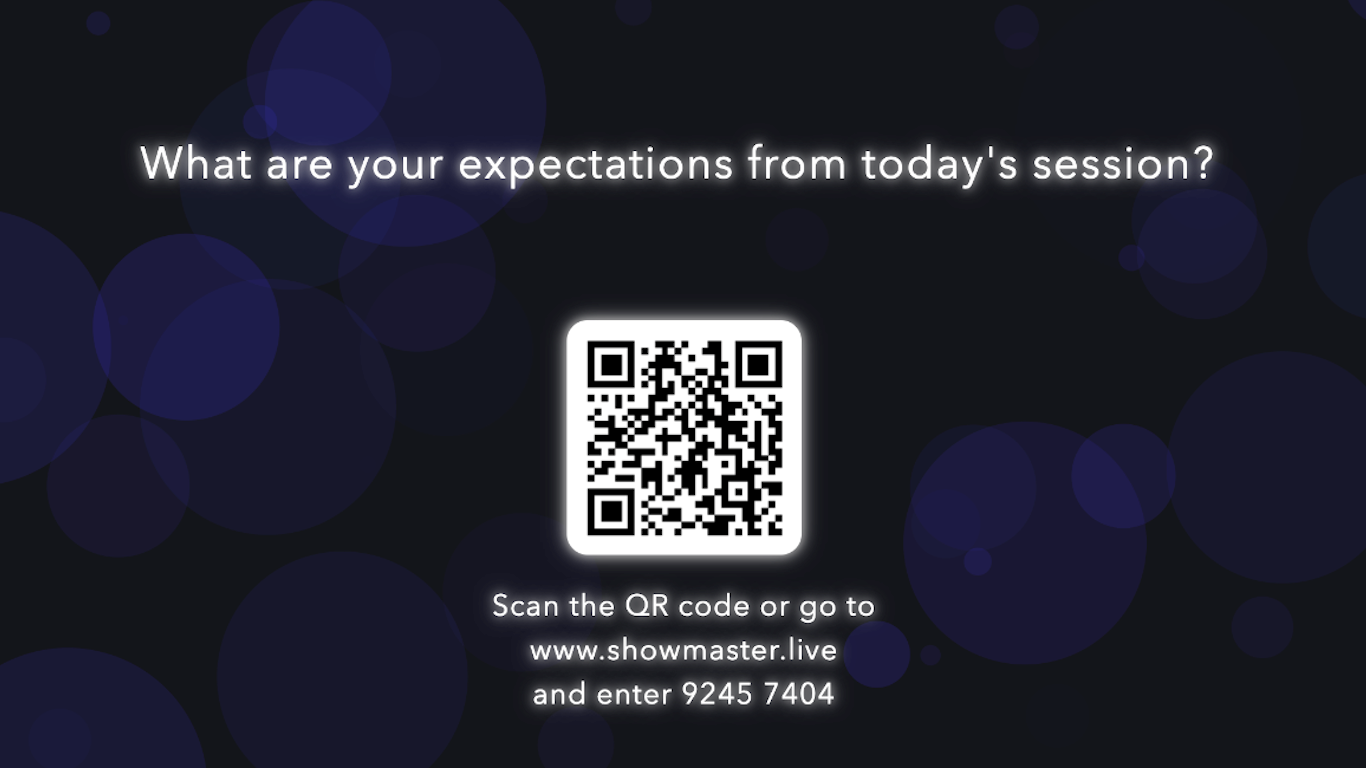
Gather real-time audience feedback and engagement through QR codes and interactive polls. Ask questions, collect expectations, and create an interactive experience that keeps your audience involved from start to finish.
Getting Started
Ready to transform how your team manages and delivers presentations? Showmaster makes it easy to centralize, organize, and optimize your presentation content.
For questions or support, please use the contact form on the product website: contact our team.